Some common Linux commands

DevOps AWS SRE Engineer with practical experience and absolute understanding of DevOps principles, CI/CD pipelines, version control, and infrastructure automation. Aiming to leverage skills in Git, Docker, Jenkins, Kubernetes and AWS Resources to contribute effectively to the operation teams. Detail-oriented and adaptable professional hands on accurate work.

Mostly used commands in daily work
- To view what's written in a file :

To change the access permissions of files :
chmod 777 <filename> rwx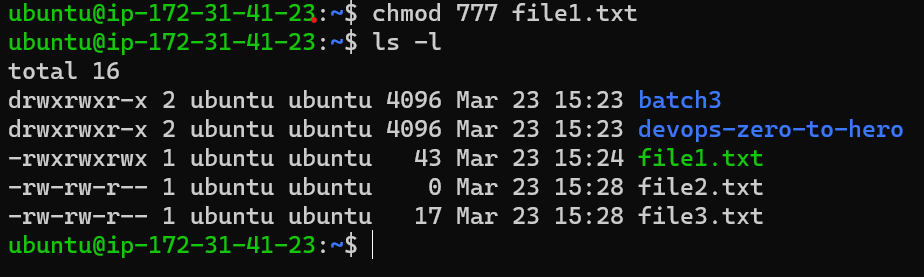
To check which commands you have run till now :
history #list all the previous cmd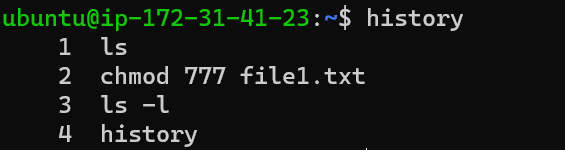
To remove a directory/ Folder :
rm <filename> #fist enter in the directory then delete file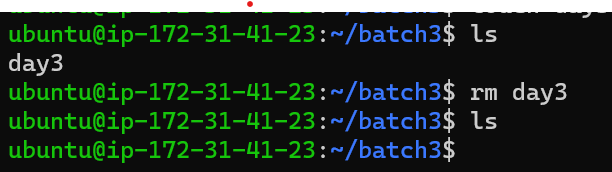
To create a fruits.txt file and view the content :
 touch fruits.txt #to create the file
 cat fruits.txt  #view the content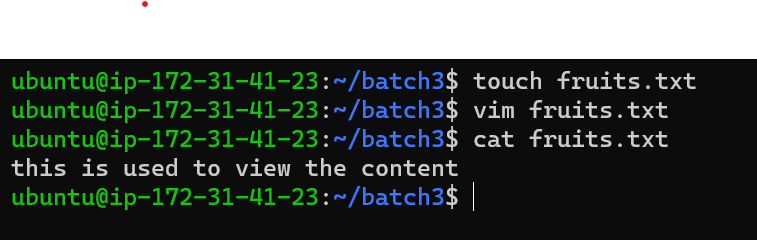
Add content in devops.txt (One in each line) - Apple, Mango, Banana, Cherry, Kiwi, Orange, Guava :
 touch devops.txt
 vim devops.txt #press i then write one by one list fruit name in each line then :Wq to save and exit
 cat devops.txt #show all list what's written inside it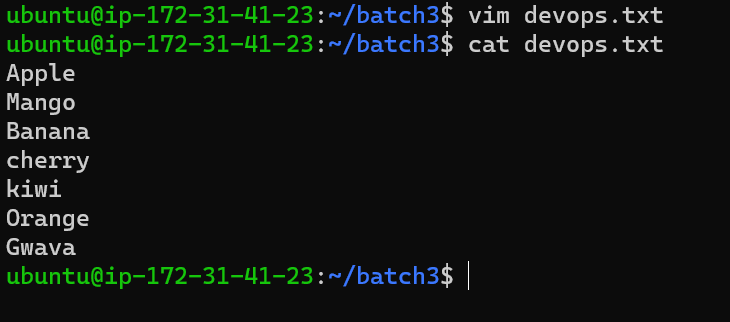
To Show only top three fruits from the file :
head -n 3 devops.txt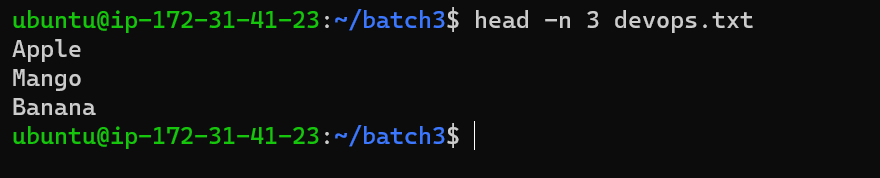
To Show only bottom three fruits from the file :
tail -n 3 devops.txt
To create another file Colors.txt and to view the content :
touch colour.txtAdd content in Colors.txt (One in each line) - Red, Pink, White, Black, Blue, Orange, Purple, Grey :
      echo "Red" >> colour.txt
      echo "Pink" >> colour.txt
      echo "White" >> colour.txt
      echo "Black" >> colour.txt
      echo "Blue" >> colour.txt
      echo "Orange" >> colour.txt
      echo "Purple" >> colour.txt
      echo "Gray" >> colour.txt
To find the difference between fruits.txt and Colors.txt file :
diff fruits.txt colour.txt
These are some basic commands which used in daily basis hope you liked it, Follow for more.


